
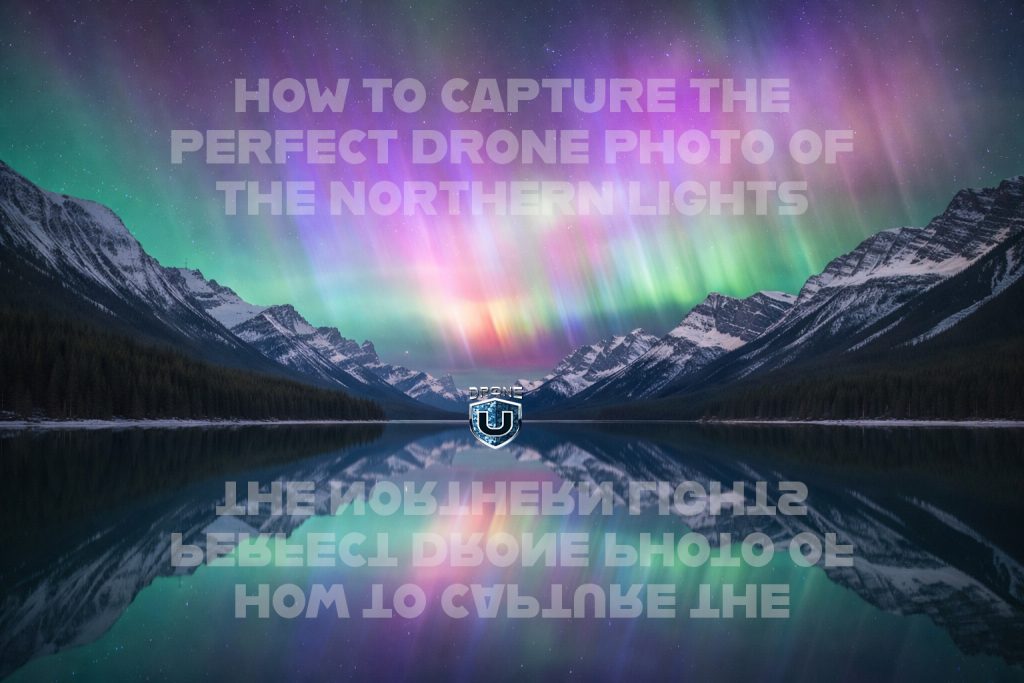
Capturing the ethereal beauty of the Aurora Borealis from the sky is a dream for many aerial photographers. However, shooting the Northern Lights with a drone is one of the most technically demanding tasks you can undertake. This comprehensive guide will walk you through the essential pre-flight preparations and in-flight camera settings needed to secure stunning shots while keeping your equipment safe.
A Critical Warning: Beware of Flyaways
Before diving into camera configurations, it is crucial to understand the unique environmental risks. The Northern Lights are caused by solar activity, meaning high KP indices and geomagnetic storms are present. These conditions can severely interfere with your drone's GPS.
When GPS signals degrade, your drone might:
- Drift unexpectedly and uncontrollably.
- Fail to maintain its position hold.
- Experience sudden, erratic movements or complete flyaways.
Flyaways are highly likely under these conditions. If you are not confident in recovering your drone manually, photographing the aurora might not be worth the risk.
Step 1: Secure a Solid GPS Lock (If Possible)
If atmospheric conditions permit and your drone manages to secure a stable GPS connection, proceed with extreme caution. Once your drone is stable in the air:
- Power on your camera and double-check your screen.
- Avoid any unnecessary or aggressive maneuvering.
- Be ready to shoot immediately, as the aurora's shape and intensity change rapidly.
Note: If your GPS connection drops or fluctuates constantly, consider aborting the flight immediately.
Step 2: Utilize Auto Exposure Bracketing (AEB)
The Northern Lights present a scene of extreme contrast with unpredictable bursts of brightness. To combat this, turn on your drone's AEB (Auto Exposure Bracketing) photo mode. This feature allows the drone to:
- Capture multiple photos at different exposure levels with a single press of the shutter.
- Significantly boost your chances of getting a perfectly usable frame.
- Preserve crucial details in both the dark shadows and the bright highlights.
Step 3: Keep Your ISO Low (But Remain Flexible)
To avoid grainy, noisy images, start with a lower ISO setting, typically between ISO 200 and 400. A lower ISO ensures that the vibrant color gradients of the aurora remain smooth and clean.
However, the intensity of the Northern Lights can vary wildly. Be prepared to bump up the ISO if the aurora is faint—a slightly grainy photo of the lights is always better than a clean, pitch-black image.
Step 4: Master Your Shutter Speed
Shutter speed is the most critical variable in night sky aerial photography. Because your drone is inherently moving in the air (especially with potential GPS interference), you must find the perfect balance between gathering enough light and avoiding motion blur.
Start with these settings and experiment:
- 1/5 second
- 1/4 second
- 1/2 second
- 1 second
- 5 seconds
- 10 seconds
Every aurora display behaves differently. Some look incredible when "frozen" in time, while others benefit from the silky motion blur of a longer exposure. There is no single correct setting—you must test them all in the moment.
Step 5: Maintain a Low Altitude for Stability
Flying high into the dark sky might seem appealing, but hovering closer to the ground dramatically improves your results. We highly recommend flying at an altitude of 30 to 50 feet AGL (Above Ground Level).
Why this works:
- The drone's downward optical flow sensors have visual references to lock onto, helping to stabilize its position.
- Wind speeds and drift are generally lower near the ground.
- It reduces your overall dependency on a spotty GPS connection.
For the best results, fly over well-lit buildings, bright parking lots, or distinct urban lighting features. Giving the drone a visual reference below helps it "lock" into space far better than flying high over pitch darkness.
Step 6: Open Your Aperture Wide
To capture the faint lights of the night sky, your exposure formula should prioritize light gathering. Set your drone's aperture (F-stop) wide open. You are already fighting drone movement and signal interference—do not choke the exposure by limiting the light entering the lens.
Step 7: Manage Your White Balance
To accurately preserve that iconic green and purple glow:
- Set a manual white balance and keep it consistent throughout your flight.
- Alternatively, leave it on auto but make sure you shoot in RAW so you can easily fine-tune and sync the colors in post-processing.
Consistency matters more than in-camera perfection. Changing your white balance from shot to shot will make editing incredibly frustrating later on.
The Ultimate Exposure Formula
For the absolute best chance of capturing a sharp, colorful aurora image from the air, bookmark this combination:
- Shutter Speed: Longer (tested carefully to find the limit before blur occurs)
- Aperture: Wide open
- ISO: The lowest usable setting
- Altitude: Low (30–50 ft AGL)
- Environment: Hovering over a well-lit or textured surface
- Movement: Minimal to none
Final Thoughts
Capturing the Northern Lights with a drone is equal parts art, science, and rigorous risk management. The visuals you can achieve are stunning, but only if you respect geomagnetic interference, fly conservatively, intimately understand your camera settings, and accept that conditions may force you to abort the mission.
Get the shot—but only if you can do it safely. Sometimes, the smartest decision a drone pilot can make is knowing exactly when not to fly.
Ready to upgrade your aerial photography gear for your next night-sky adventure? Discover the best drones and accessories to elevate your photography at https://globaldroner.com/.